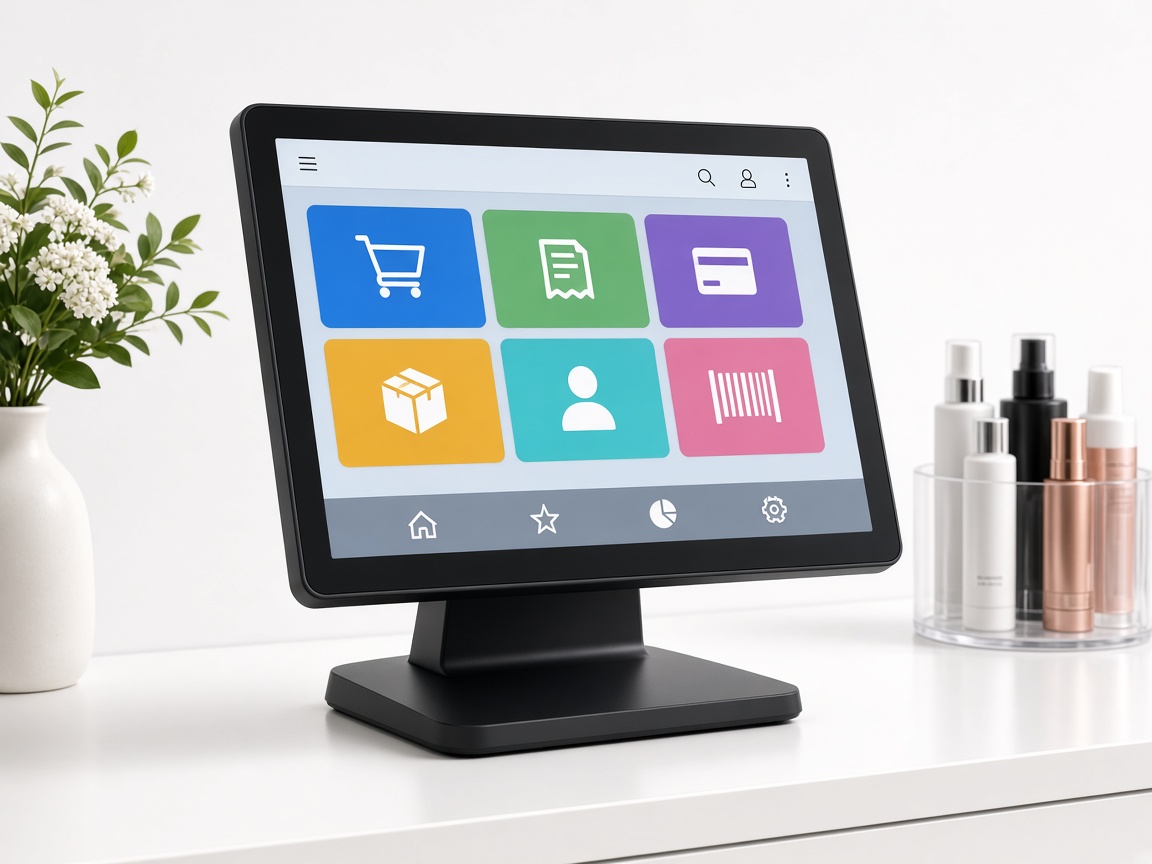
1. Buy your own PC
Pick a Windows touch PC that fits the counter or lobby. We recommend an all-in-one POS PC from Amazon if you do not already have one.
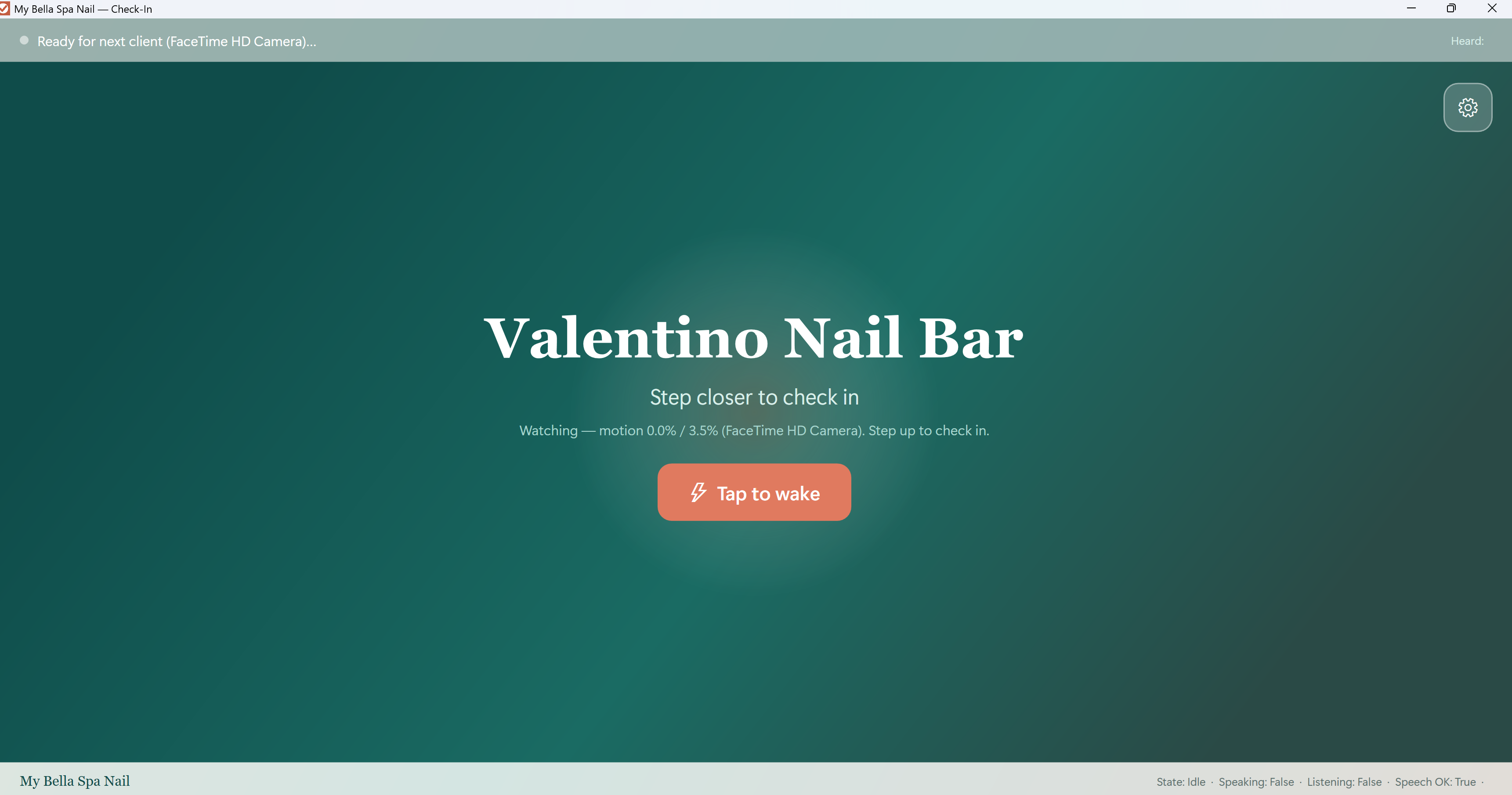
A live receptionist in the lobby: voice and speech walk guests through check-in, service pick, and favorite technician. Guests who cannot or will not touch the screen still check in. Or they skip the kiosk with a SalonClient QR.
Guests who do not want the kiosk screen check in from their phone. Less lobby time.
Speech assistant for guests who cannot or will not use the screen.
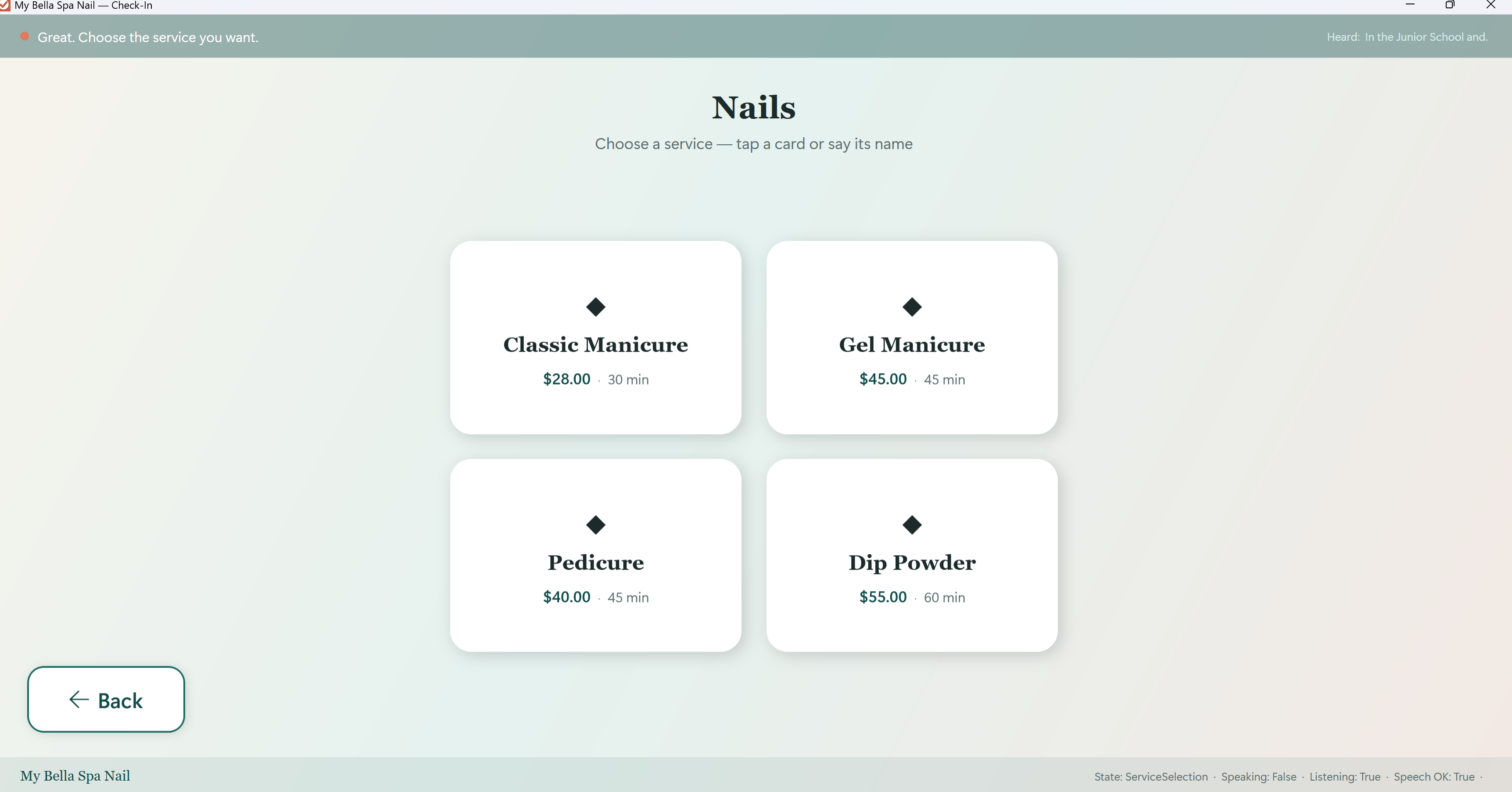
Not a phone-number pad. Guests pick services and the technician they like, like a live receptionist.
Voice check-in, service pick, and favorite technician on the lobby kiosk.
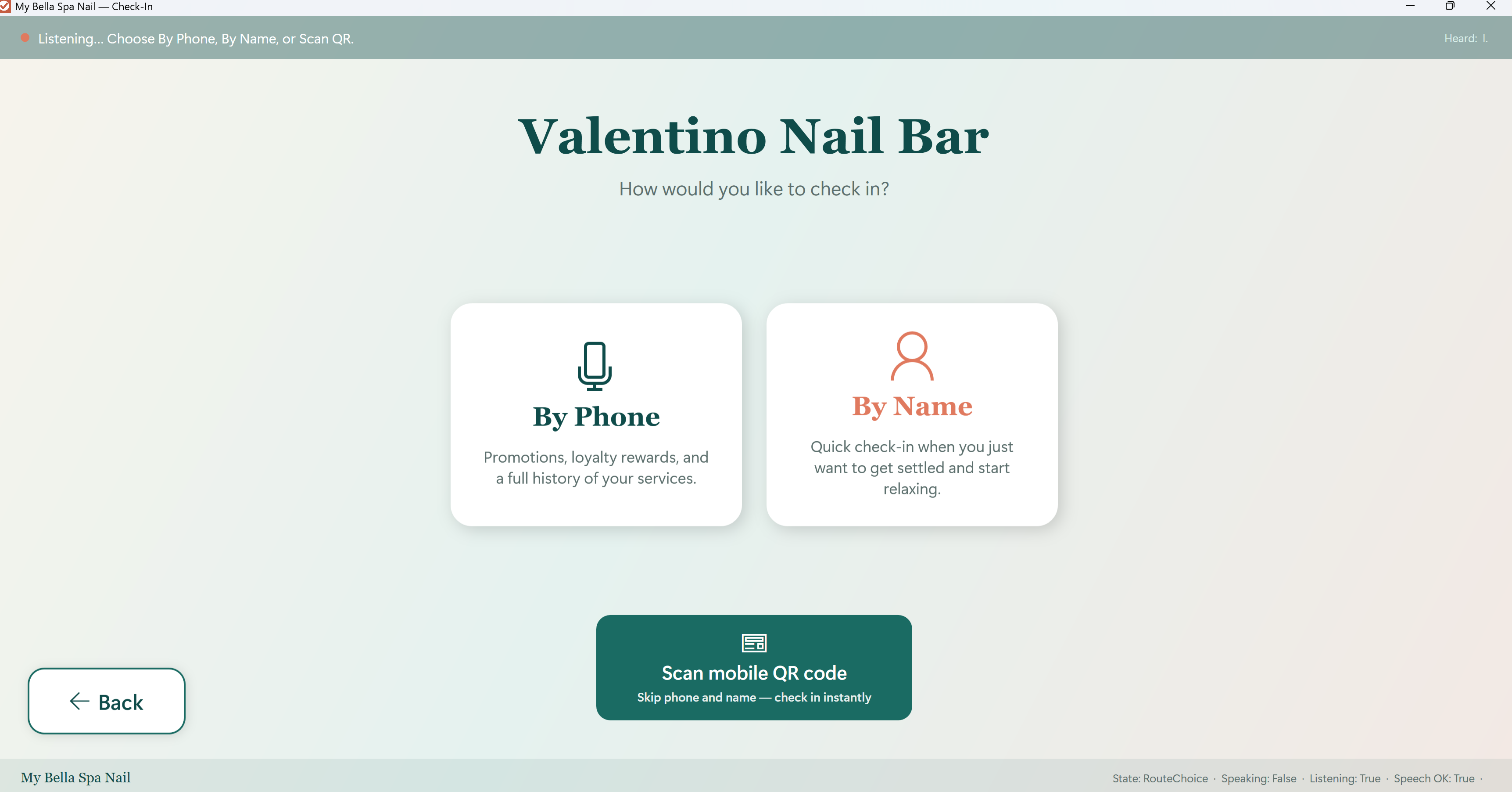
You do not buy a locked kiosk from us. Use a Windows 10 or 11 PC with a touch screen — all-in-one counter PCs, lobby tablets with Windows, or a regular touch laptop.
Pick a Windows touch PC that fits the counter or lobby. We recommend an all-in-one POS PC from Amazon if you do not already have one.
Download the Windows installer on this website, or get the same app from the Microsoft Store. Both work on the PC you purchased.
Windows is ready today. iPhone and iPad apps for POS, Salon Management, Check-In, and Payroll are coming soon. The free SalonClient guest app is already on the App Store.
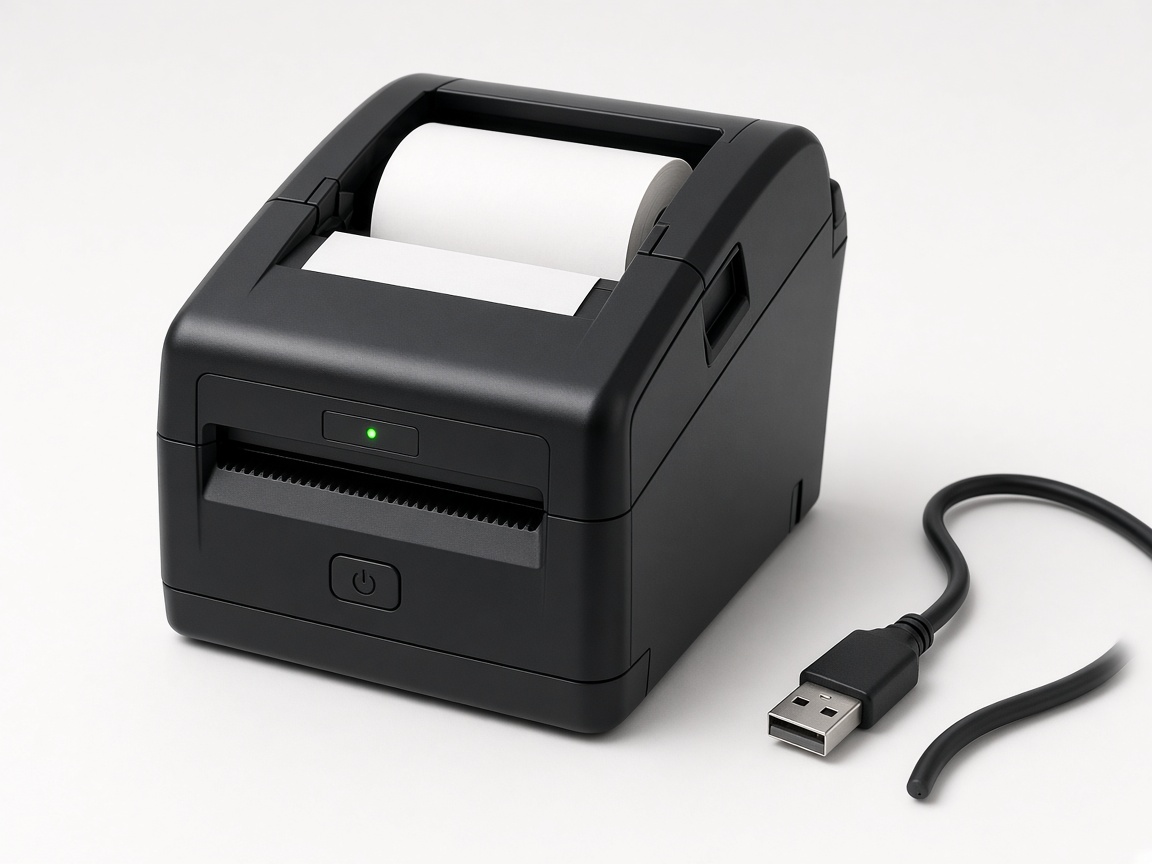
We do not sell hardware. These Amazon searches match what our Windows apps already support: USB ESC/POS receipt printers and USB barcode scanners.
Amazon listings change. Look for USB, 80mm thermal / ESC/POS on printers, and HID keyboard-wedge USB on scanners. iThinhTech is not an Amazon seller.
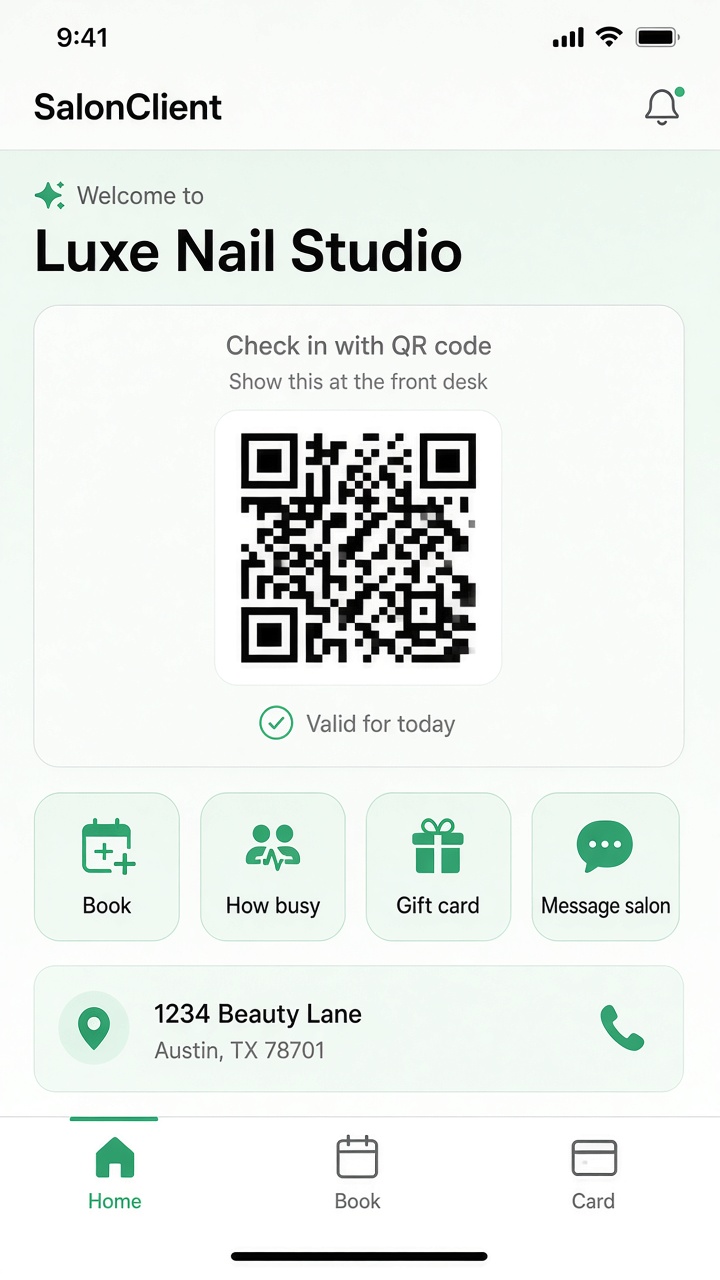
Guests download SalonClient from the App Store at no charge. It works with your Client Check-In / Salon Check-In subscription—no extra bill for the phone app.
Open SalonClient, show the QR, and the kiosk scans it so check-in continues without typing.
Pick a service and time without calling the front desk.
Check the wait before they leave home or walk in.
Available after the salon finishes payout setup. Card payments go to the salon.
Chat reaches the Salon Check-In desk so staff can reply in the kiosk app.

On iPhone, open the App Store and search SalonClient, or tap the badge. Android is coming soon.
QR check-in from the guest phone — skip the kiosk screen.
Understand who this product is for, what workflows it covers, and the outcomes you can expect.
Salons that want faster lobby arrivals: QR scan with no typing, voice so guests need not touch the kiosk, and a digital assistant for the receptionist.
Guest QR from SalonClient, kiosk scan, voice-guided check-in, live wait boards, booking, gift cards when card payments are on, and desk chat.
Less typing at the desk, shorter lines, and a receptionist who can stay with guests while the kiosk handles arrival.
Install Client Check-In on Windows without an app store—ideal for lobby kiosks and trial setups.
64-bit Windows 10 or later. Microsoft WebView2 Runtime required.
Not sure which plan fits? Ask AI and get a recommendation based on your business size and workflow.
Tip: include your store size, daily transaction volume, and number of devices for better recommendations.
Start your 30‑day free trial
"Victorious warriors win first and then go to war."
Strategy and marketing start with proof. Download our app free on any platform, test your workflow with your team, then pick the right plan with confidence.
Guests: SalonClient on the App Store (free). Salon lobby kiosk: Microsoft Store or Windows installer below.


Plans for QR scan, voice kiosk, queueing, and arrival flow—plus the free SalonClient guest app.
Ideal for single-location check-in workflows.
$29.95/mo
Designed for higher-volume daily check-ins.
$39.95/mo
Enterprise-ready queueing across locations.
$49.95/mo