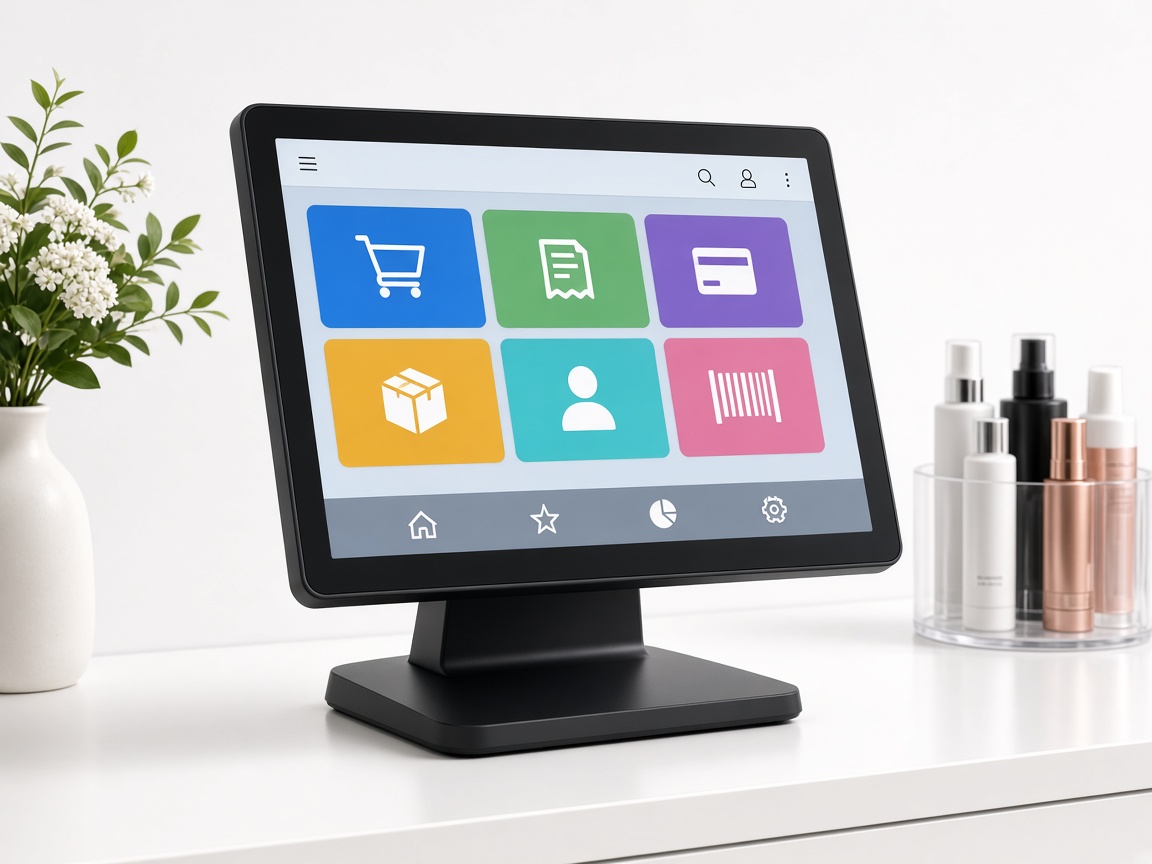
1. Buy your own PC
Pick a Windows touch PC that fits the counter or lobby. We recommend an all-in-one POS PC from Amazon if you do not already have one.
The backbone of salon activity in English and Vietnamese: clock in by passcode, QR, or face; take tickets from Check-In or by hand; run the work floor; SMS keeps guests in the loop. Staff use their own iPhone in SalonEmployee to take any payment — tap to pay for cards after payout setup.
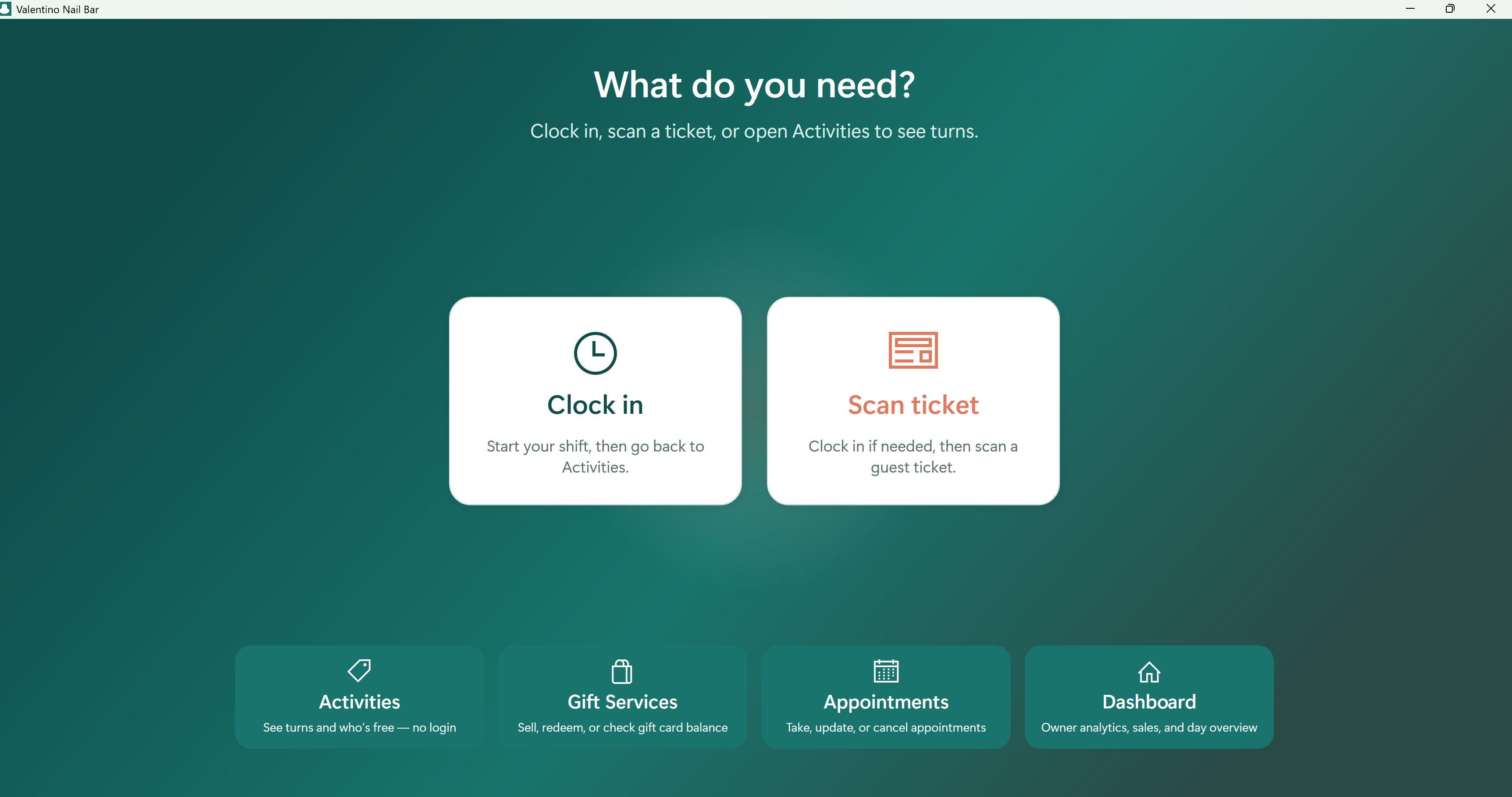
Passcode, SalonEmployee QR, or facial recognition — then the tech is on the board.
Scan a Salon Check-In ticket or add the guest and services yourself.
Everyone sees whose turn it is. SMS keeps guests in the loop.
Staff use SalonEmployee on the iPhone they already have. Cash, Zelle, Cash App, Venmo, and cards — tap to pay after payout setup.
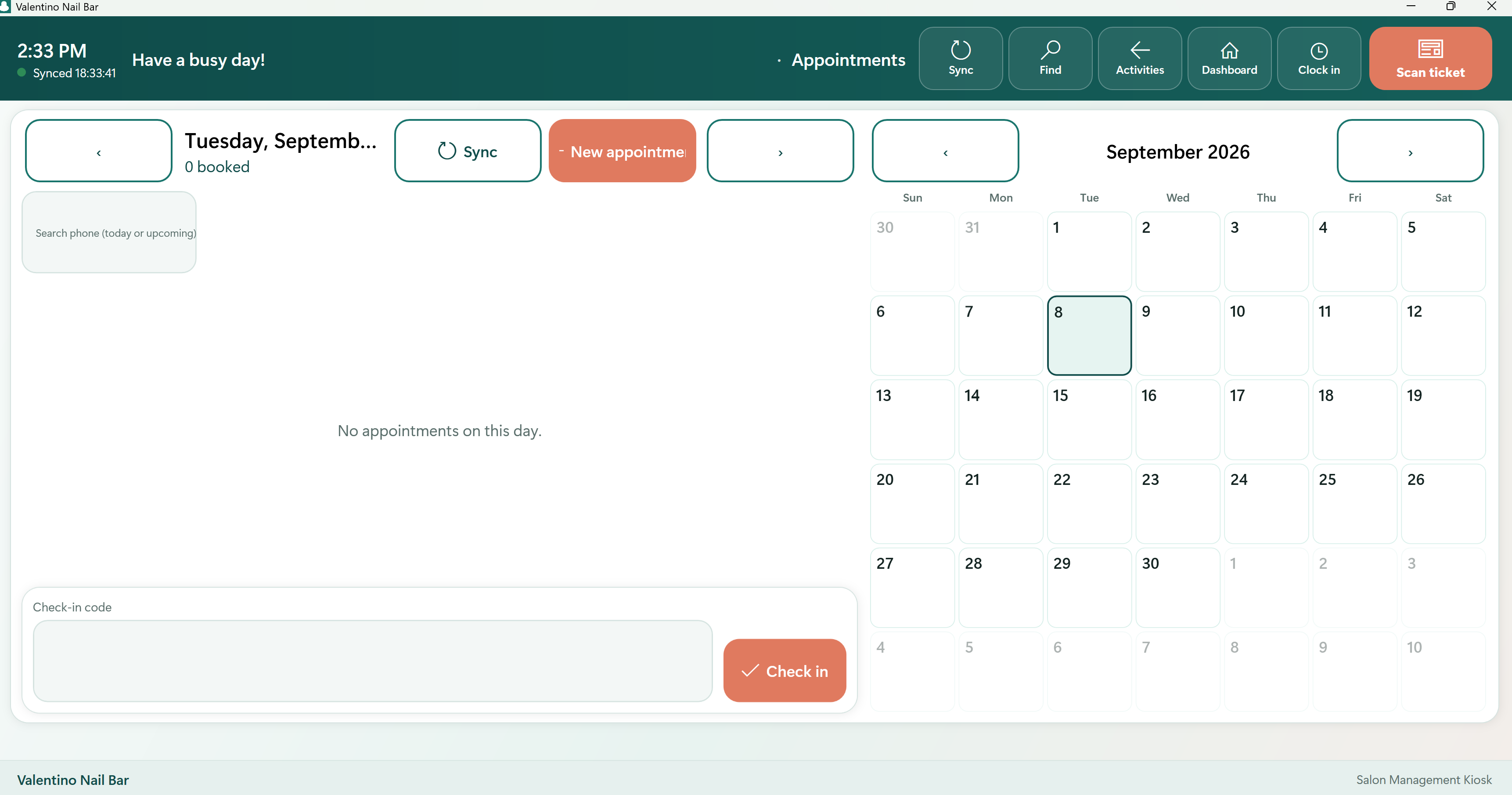
A quick walkthrough of the floor, tickets, and day-to-day salon workflow.
Work floor, clock-in, tickets, and checkout — from the live app.
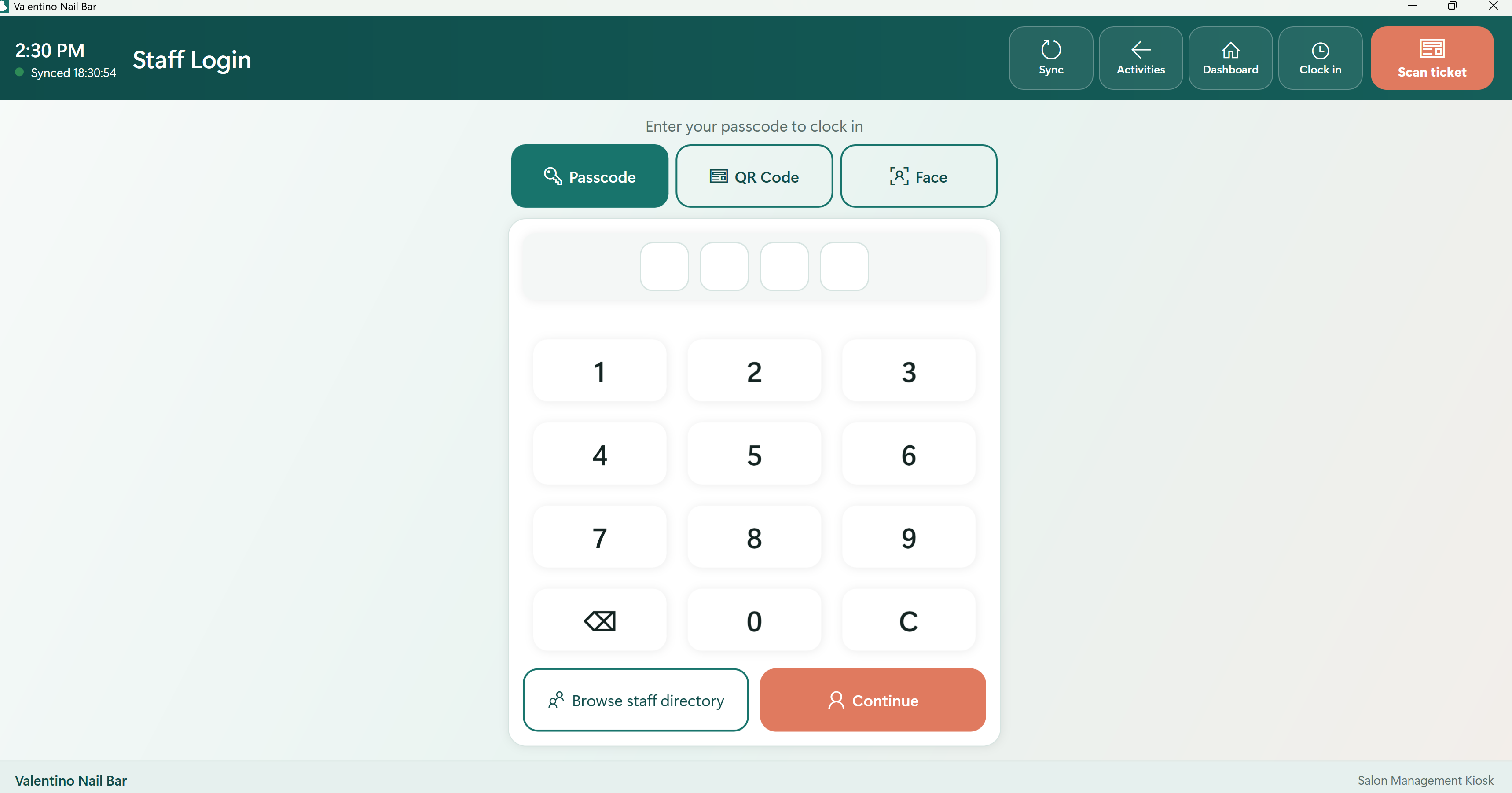
Technicians install SalonEmployee on the iOS phone they already carry. They stay at the station, take any payment type, and for cards they tap to pay after payout setup — no extra reader.
No extra register at the chair. Staff use SalonEmployee on the iPhone they already have.
Cash, Zelle, Cash App, Venmo, gift, and card — recorded on the same ticket.
After payout setup, the guest taps their card or phone on the tech’s iPhone. No extra reader. The guest pays the listed price.

SalonEmployee for iPhone is coming soon on the App Store. Included with your Salon Management subscription — no extra bill for the staff phone app.
You do not buy a locked kiosk from us. Use a Windows 10 or 11 PC with a touch screen — all-in-one counter PCs, lobby tablets with Windows, or a regular touch laptop.
Pick a Windows touch PC that fits the counter or lobby. We recommend an all-in-one POS PC from Amazon if you do not already have one.
Download the Windows installer on this website, or get the same app from the Microsoft Store. Both work on the PC you purchased.
Windows is ready today. iPhone and iPad apps for POS, Salon Management, Check-In, and Payroll are coming soon. The free SalonClient guest app is already on the App Store.
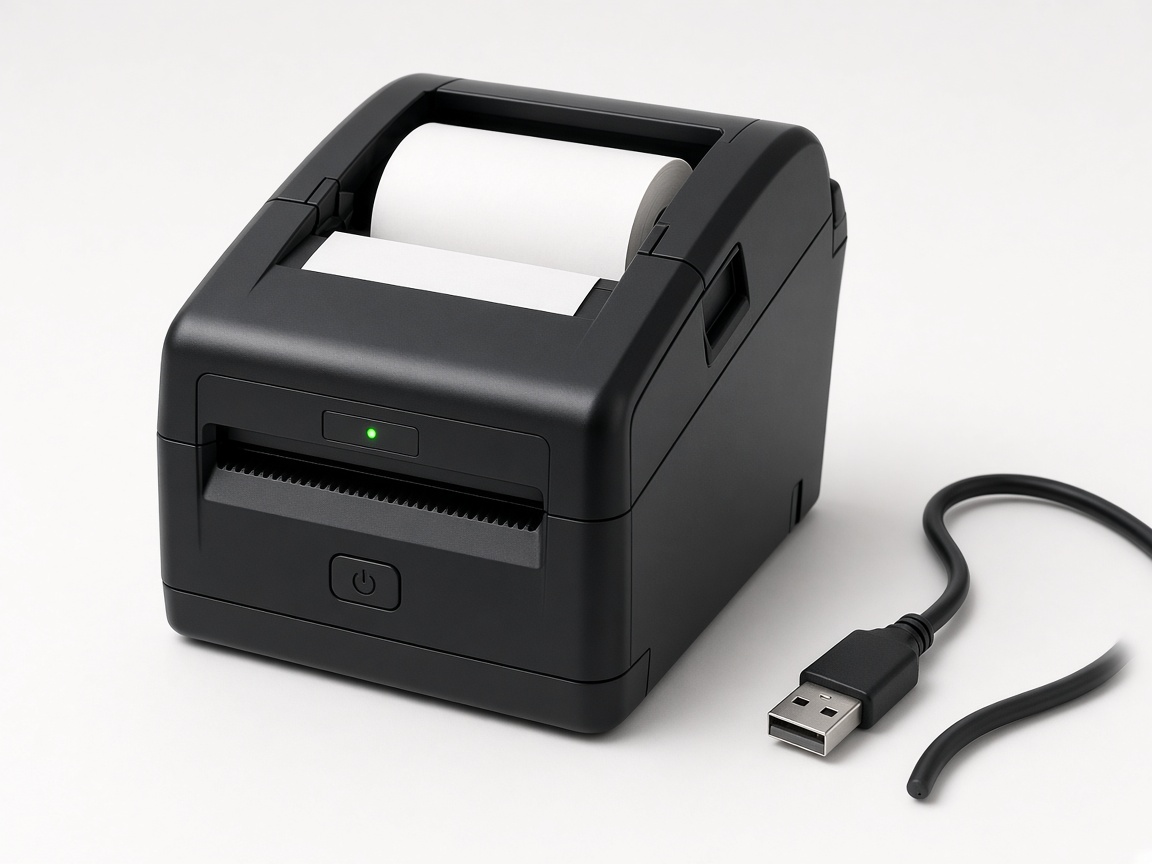
We do not sell hardware. These Amazon searches match what our Windows apps already support: USB ESC/POS receipt printers and USB barcode scanners.
Amazon listings change. Look for USB, 80mm thermal / ESC/POS on printers, and HID keyboard-wedge USB on scanners. iThinhTech is not an Amazon seller.
Understand who this product is for, what workflows it covers, and the outcomes you can expect.
Salon owners and managers who need strong team coordination, service flow visibility, and consistent customer experiences.
Clock in by passcode, QR, or face; take Check-In tickets or add them by hand; run turns; book and sell gifts; SMS guests. Staff check out on their own iPhone in SalonEmployee — any payment type, tap to pay for cards after payout setup.
Faster service flow, better staff utilization, and improved retention from smoother operations.
Install Salon Management on Windows without an app store—ideal for front-desk PCs and trial setups.
64-bit Windows 10 or later. Microsoft WebView2 Runtime required.
Not sure which plan fits? Ask AI and get a recommendation based on your business size and workflow.
Tip: include your store size, daily transaction volume, and number of devices for better recommendations.
Start your 30‑day free trial
"Victorious warriors win first and then go to war."
Strategy and marketing start with proof. Download our app free on any platform, test your workflow with your team, then pick the right plan with confidence.


Flexible plans designed for salon scheduling, team management, tech rotation, and automated customer flow.
Best for small teams with one location.
$39.95/mo
For busy salons with growing client volume.
$49.95/mo
Advanced workflows for multi-location salons.
$69.95/mo
Guests pay the listed price. The salon pays 2.99% + 20¢ on each successful tap. A $50 tap costs $1.70, and the salon receives $48.30. The fee is not added to the guest’s price.
Standard bank payouts are free. Instant payout is 1.5% (minimum 50¢), shown before confirm. A full refund returns the tap fee. A card dispute costs $15. Nail supply reader and in-app card rates are listed on the same policy.